
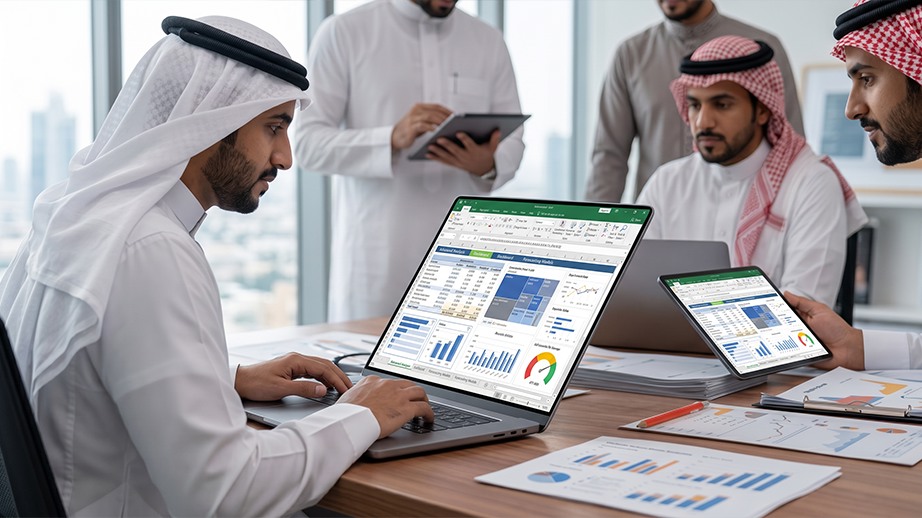
Advanced Microsoft Excel Skills for Data Analysis and Reporting
A practical program designed to strengthen participants’ ability to use advanced Excel tools for data organization, multi-sheet work, formulas, pivot tables, and clearer workplace reporting.
Enroll Now
Overview
Microsoft Excel is used widely across daily business tasks, but effective use requires more than basic data entry. Employees need practical skills that help them reduce manual work, improve accuracy, and present data in a clearer and more useful format.
This program focuses on advanced Excel capabilities through practical applications, including formulas and functions, pivot tables, data validation, external data handling, data consolidation, analysis tools, workbook protection, and macros.
Course Outline
Unit 1: Quick Review of Excel Fundamentals:
A concise review of key spreadsheet and worksheet concepts before moving into advanced tools.
Unit 2: Advanced Functions and Formulas:
Covers logical, conditional, financial, text, date, and time functions, as well as array formulas, calculation options, VLOOKUP, and transposing data.
Unit 3: Pivot Tables and Pivot Charts:
Introduces pivot table creation, slicers, working with pivot table data, inserting pivot charts, and using pivot features to summarize and analyze data.
Unit 4: Worksheet Auditing:
Covers tracing precedents and dependents, and displaying formulas to review relationships between cells and improve calculation accuracy.
Unit 5: Data Tools and Analysis:
Covers text-to-columns, external data linking, calculation settings, data validation, data consolidation, Goal Seek, and Solver.
Unit 6: Collaboration and File Protection:
Covers worksheet and workbook protection, tracking changes, and marking a workbook as final when required.
Unit 7: Recording and Using Macros:
Introduces recording, running, editing, and adding macros to the Quick Access Toolbar to support repetitive tasks.
What You Will Gain
- Use advanced Excel tools to complete workplace tasks more efficiently.
- Work with data from different sources and organize it across worksheets.
- Build formulas and functions that support analysis and reduce manual handling.
- Create pivot tables and charts that summarize information and clarify trends.
- Apply data validation and consolidation tools to improve output accuracy.
- Use Goal Seek, Solver, and macros for selected analytical and operational tasks.
Who Should Attend
- Employees who regularly work with spreadsheets.
- Professionals in reporting, operations, finance, HR, and administration.
- Beginner data analysts or Excel users seeking more advanced practical capability.
- Teams that need to improve the quality of data handling and reporting.
- Organizations aiming to strengthen employees’ Excel skills in the workplace.
Frequently Asked Questions
Basic Excel knowledge is recommended, including data entry, simple formulas, and working across worksheets.
The program is mainly practical. Concepts are explained to support direct use of advanced Excel tools in workplace tasks.
Yes. The program covers creating pivot tables, using slicers, working with pivot data, and inserting pivot charts.
Yes. The program introduces recording, running, editing, and using macros for repetitive tasks.
Assessment includes pre- and post-tests, participation in training activities and group work, and a participant evaluation form completed at the end of the program.
Register Now
Your spot in this program is waiting — leave your details and our team will reach out to you shortly.